
MONTHLY SPECIALVIEW ALL
WITH 5 YEAR WARRANTY!
SHOWROOM
1462 Elmhurst Rd, Elk Grove Village, IL 60007, USA
CALL US
NEW COPIERSVIEW ALL
LIST OF RECENTLY ADDED COPIERS!
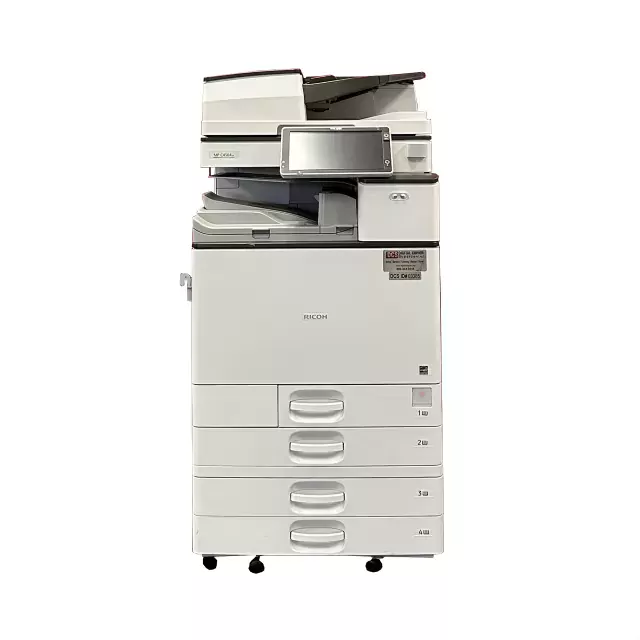
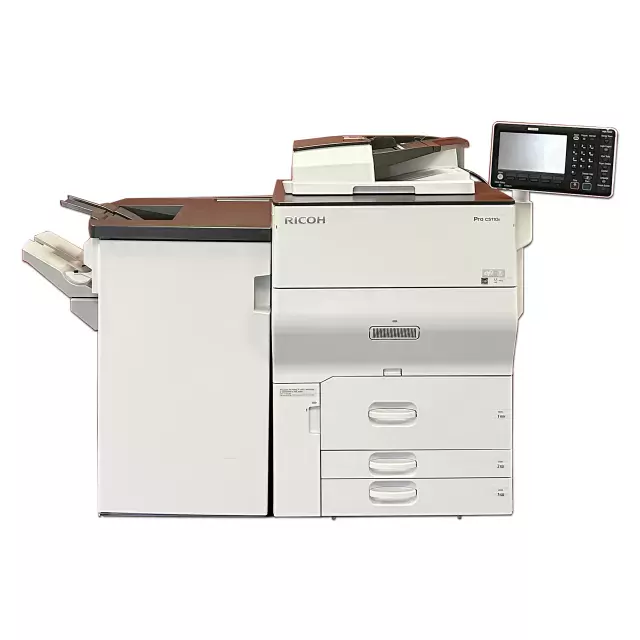
Color speed: 80 ppm
Black and white speed: 80 ppm
Monthly volume: 300.000
$19000.00
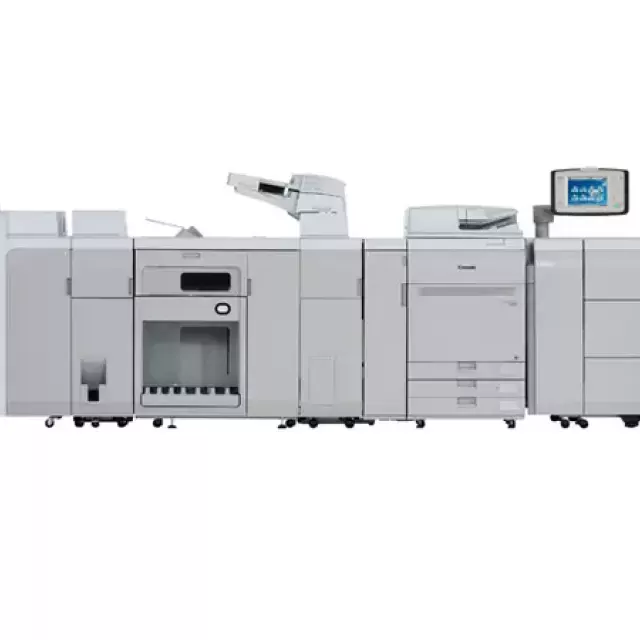
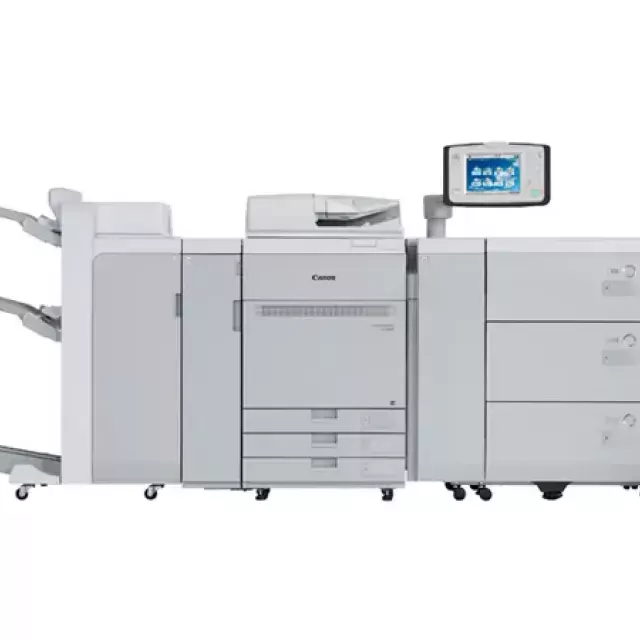
Digital Copier Supercenter
Digital Copier Supercenter is the premier seller of digital copier and document solution machines nationwide. We are known for offering top rated copier brands at well below market or retail prices. At DCS, we also pride ourselves on consistently delivering exceptional customer service and support. With our network of warehouses, local dealer partnerships, and national maintenance contract availability, we can be sure to have a digital copier delivered and installed to you or your business in no time!
A note about our refurbished copiers: New copier machines are not always better than a refurbished or remanufactured copier. Most refurbished copiers offer the same capabilities of a new copier machine, but without the hefty price. Our Certified refurbished and used copier machines are carefully selected and meticulously cleaned, maintained and recalibrated. At Digital Copier Supercenter, we only resell used copier machines with “low-copy-count” meters from high durability manufacturers like Ricoh, Konica Minolta, and Canon.
Our remanufactured copiers come with a 3 year defective machine replacement guarantee along with a 60 day “parts-and-labor” guarantee.
FROM THE BLOGVIEW ALL
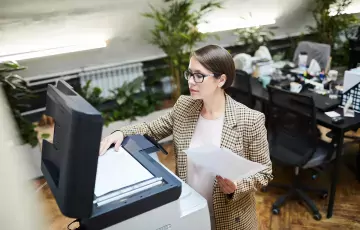
Purchasing a copy machine can be a considerable investment for any business but buying a used copy machine can create concerns. While a brand new...
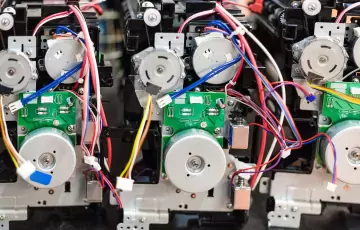
We pride ourselves on offering the highest quality used copy machines on the market. Our rigorous certification process ensures that every machine we...
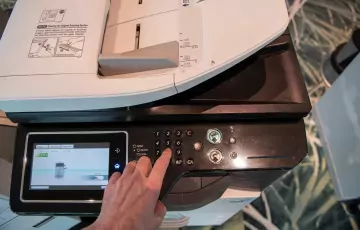
When it comes to organizing a conference or expo in Chicago, there are numerous expenses to consider. One that gets overlooked is a copy machine....